Create API Key
Create a new API key by specifying its name, generating a unique access token, and securely storing it to enable authorized and controlled API integrations with external applications.
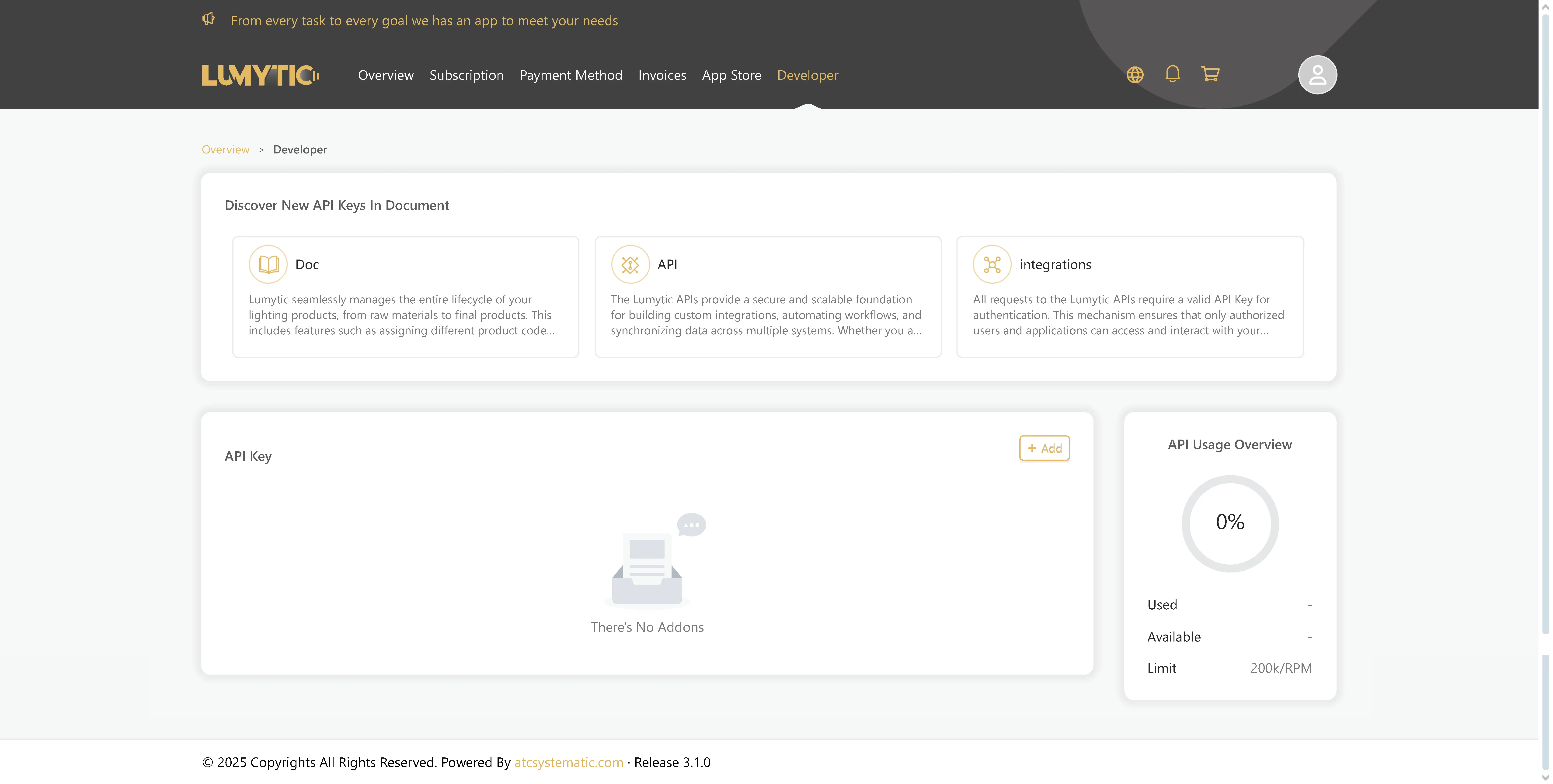
- From your customer portal, navigate to Developer tab.
- On developer page, go to API section and click add.
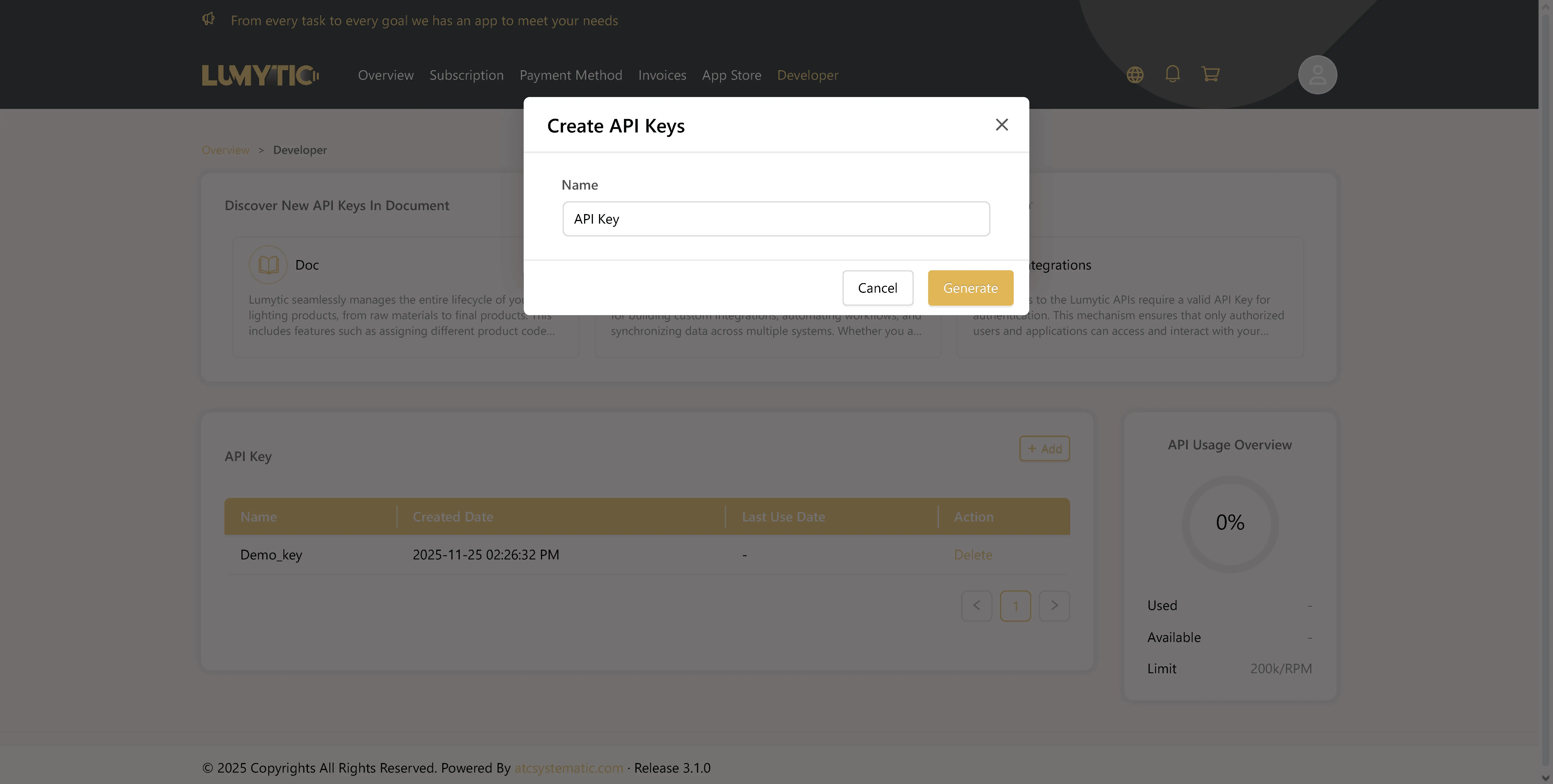
- Enter a descriptive name for your API key, then click save.
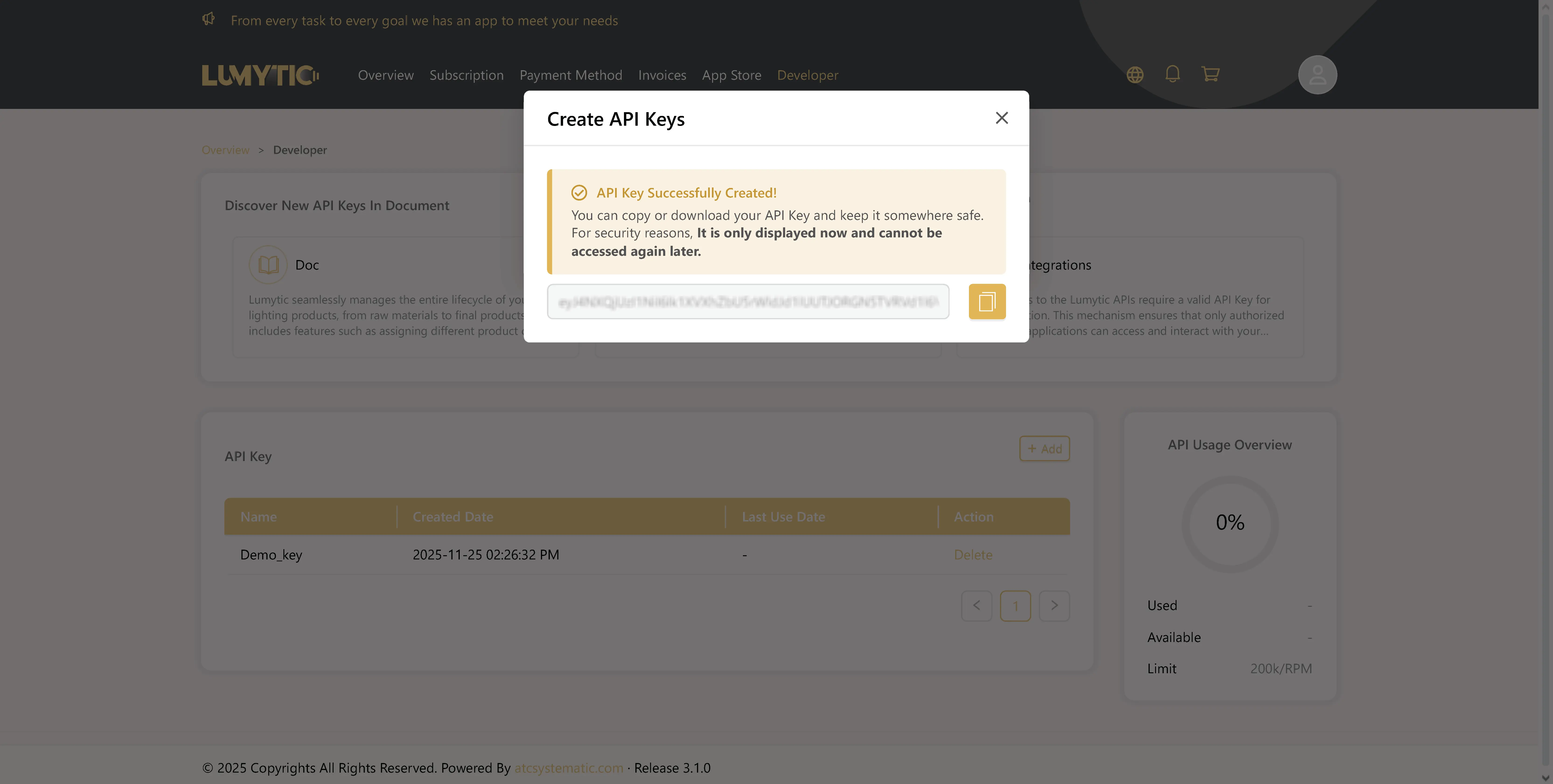
- The system will generate and display your API key. Copy and store it securely, as it will not be shown again for security reasons.
note
API keys can only be generated when the service is active. If the service is unavailable, please reach out to support.