Product Visibility on Website
The system provides multi-level publishing controls to manage how products appear on your website. You can choose to publish or unpublish products at different levels:
- Series Level: Control the visibility of all products within a product series.
- Family Level: Manage the display of product families as grouped offerings.
- Individual Product Level: Show or hide specific products individually.
Publish Product Series
This feature allows you to publish or unpublish all products within a series on your website.
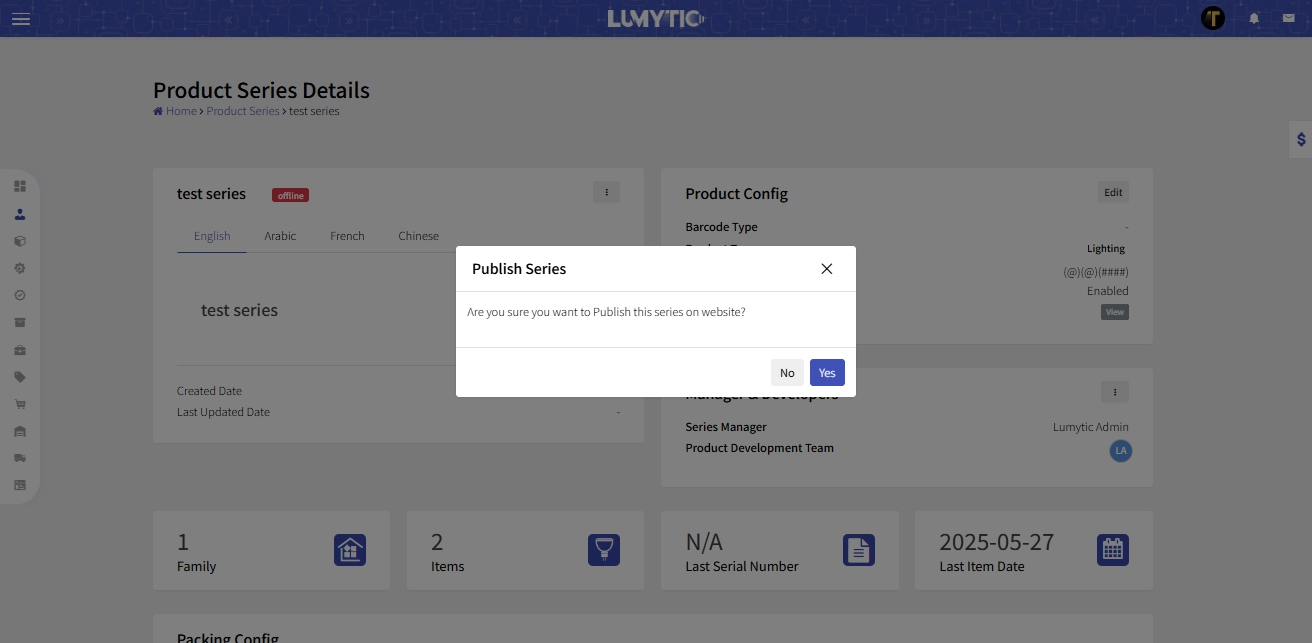
- From product Series Details Page, go to first section
- Click the corner menu button, then under the website organizing section, click Publish or unpublish
- The system will display a confirmation message before proceeding with the action.
Publish Product Family
This feature allows you to publish or unpublish all products within a family on your website
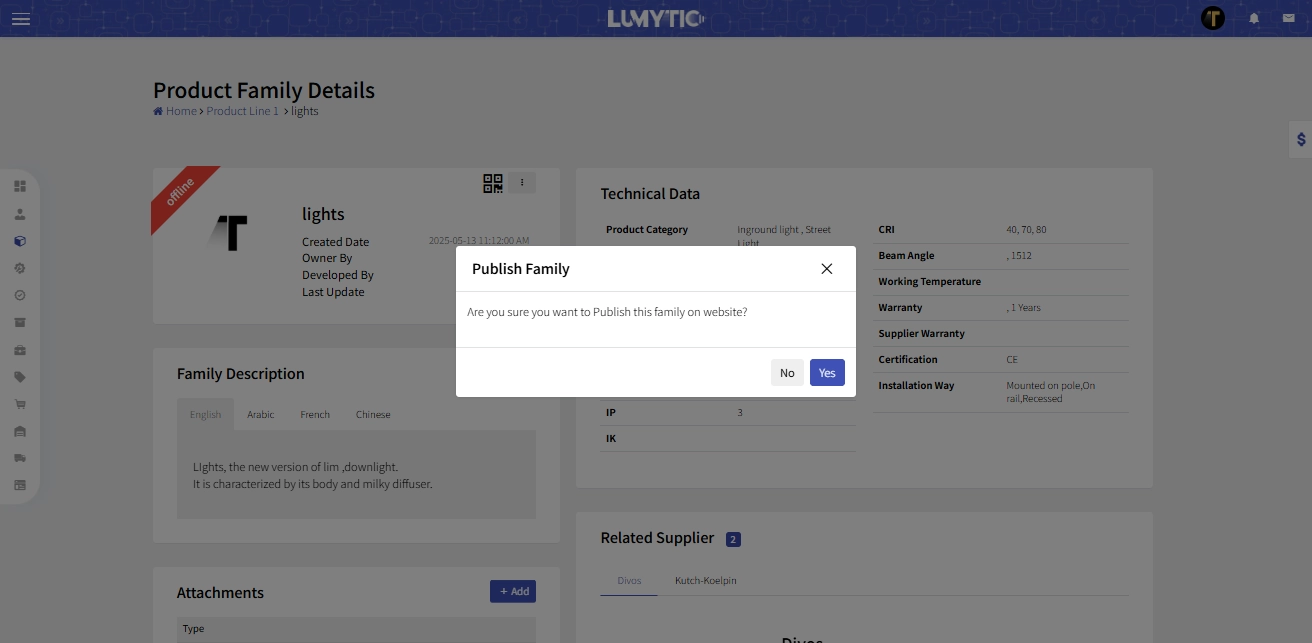
- From Product Family Details Page, go to first section
- Click the corner menu button, then under the website organizing section, click Publish or unpublish
- The system will display a confirmation message before proceeding with the action
Publish Product
Manage product visibility effortlessly to control which products appear on your website. Customize display settings to enhance user experience and boost sales.
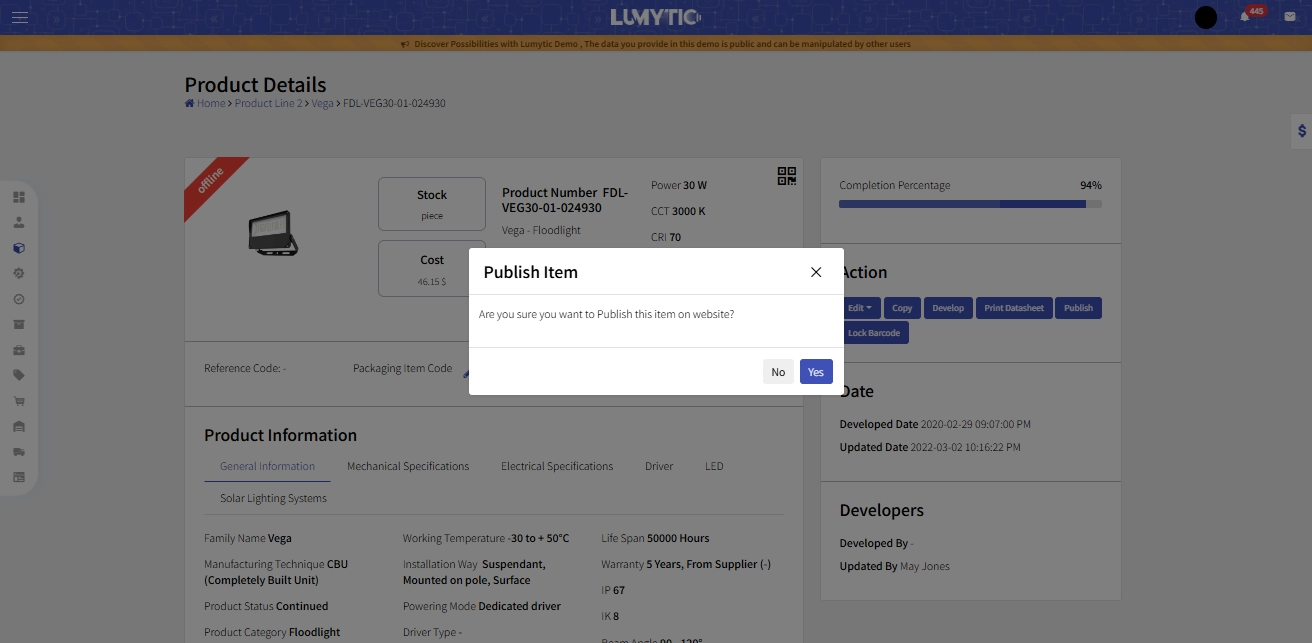
- From Product Details page, click publish.
- The system will display a confirmation message before proceeding with the action