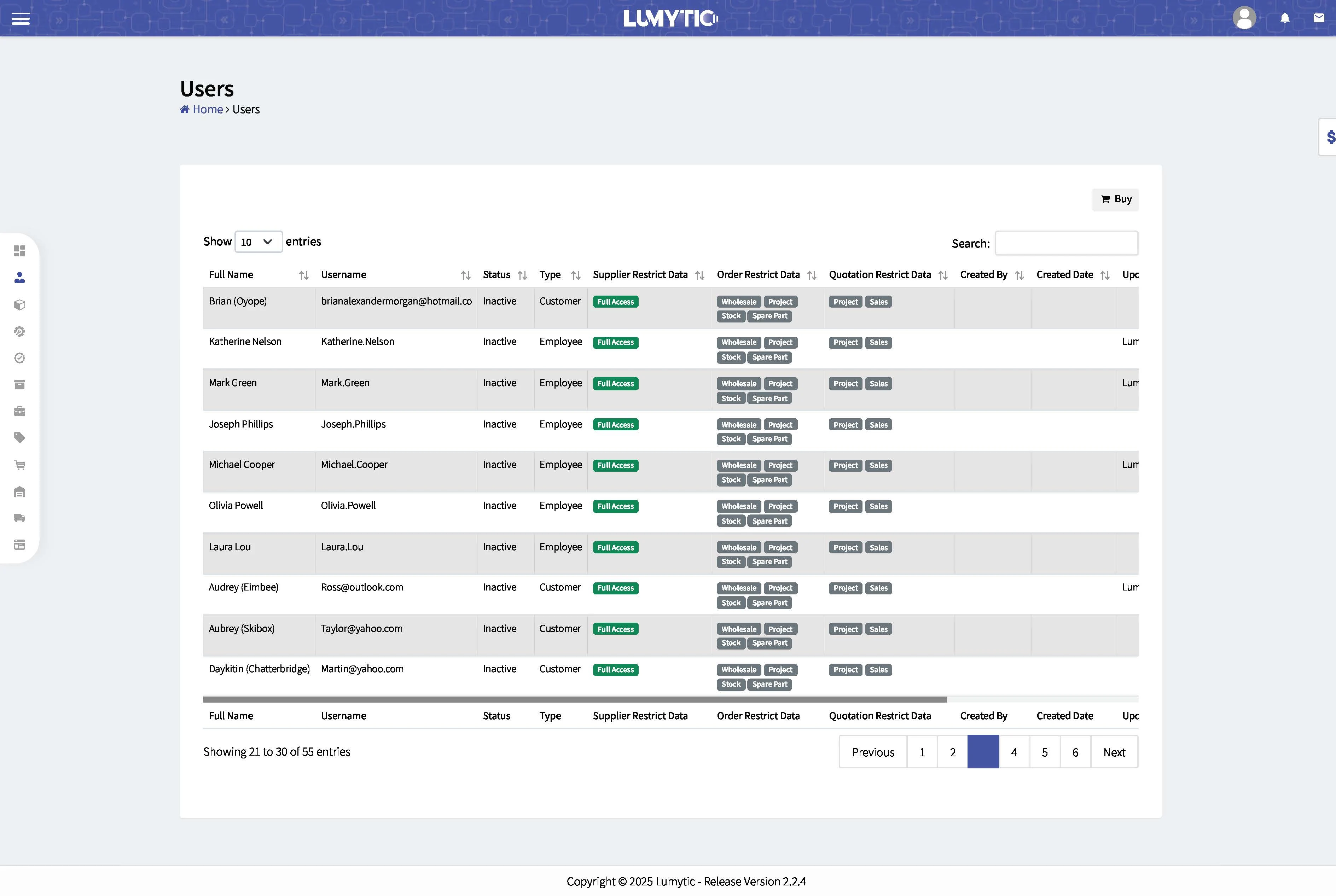
Users
Users are individuals who help your company manage operations within the system. They perform actions on the platform and contribute to the efficient running of your business. By using the system, you can easily manage tasks and make smart decisions based on the generated reports.
Create User
Create a new user by defining their profile, assigning appropriate roles, and setting access permissions to ensure secure and efficient system management
- From the employee page, click Add.
- Enter the user details and click Save.
- Open the employee’s details page, click the corner menu button, and select Create Account.
- The user will receive their credentials via email.
The seat strategy followed to add user in Lumytic is superior to the usage-based way as it provides fixed costs, guaranteed access for all assigned users
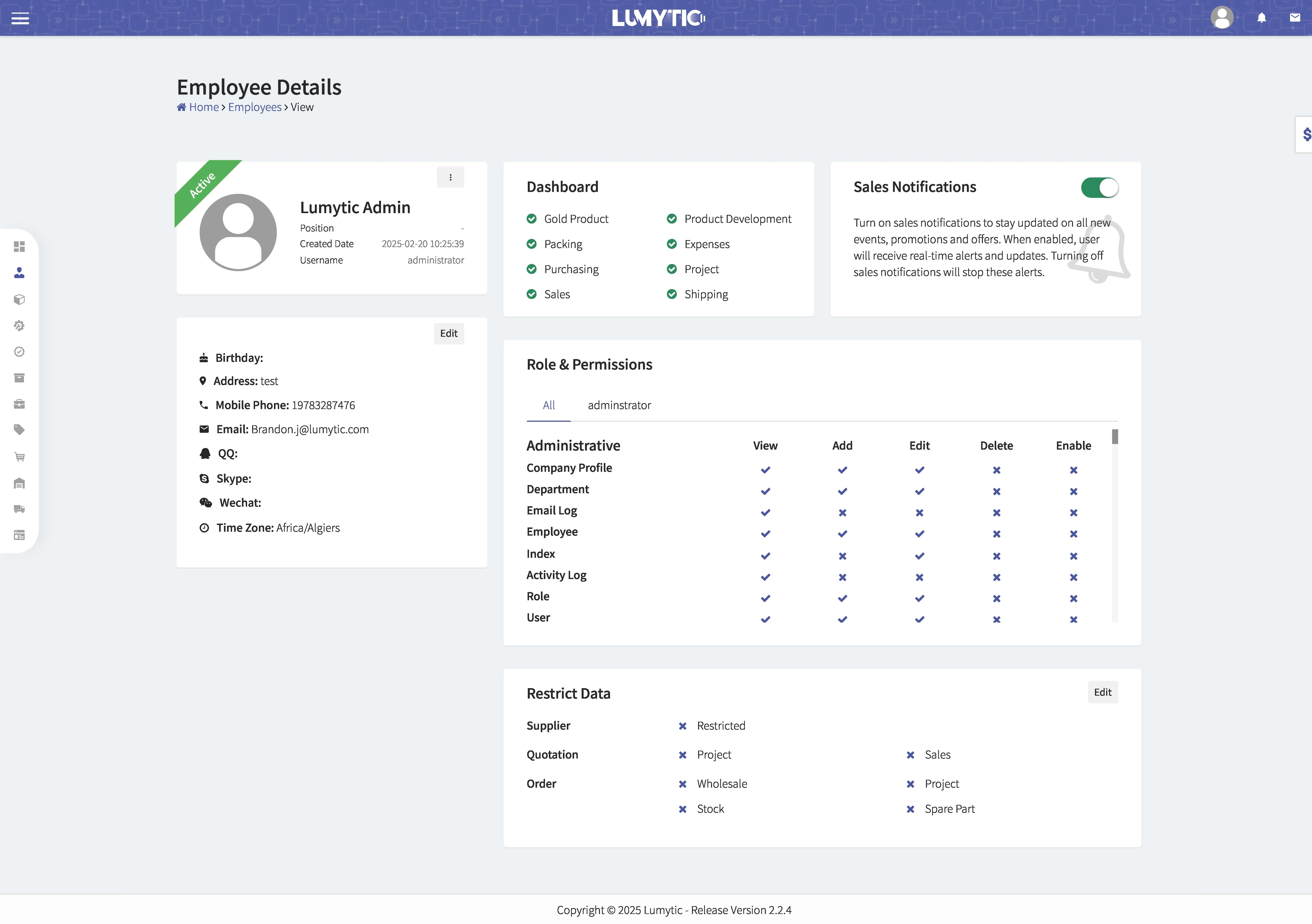
Swap Reserved Seat
The Lumytic system uses a per-seat charging strategy, which provides stable Monthly Recurring Revenue (MRR) and simplifies financial planning. This model allows organizations to easily add new team members without the need for complex calculations based on usage metrics.
You can swap a reserved seat with another available one, offering flexibility and convenience for users who need to adjust their seat assignments.
- Go to user page
- From action dropdown set the user status as Inactive.
- Follow the same steps as outlined previously of Create User