Raw Material
This section represents the most basic level of the product structure, focusing specifically on raw materials. It allows users to define and manage the fundamental components required for product manufacturing or assembly. By accurately specifying raw materials, users can ensure proper inventory planning, cost estimation, and production control. This step is essential for building a reliable bill of materials (BOM) and maintaining consistency throughout the production process.
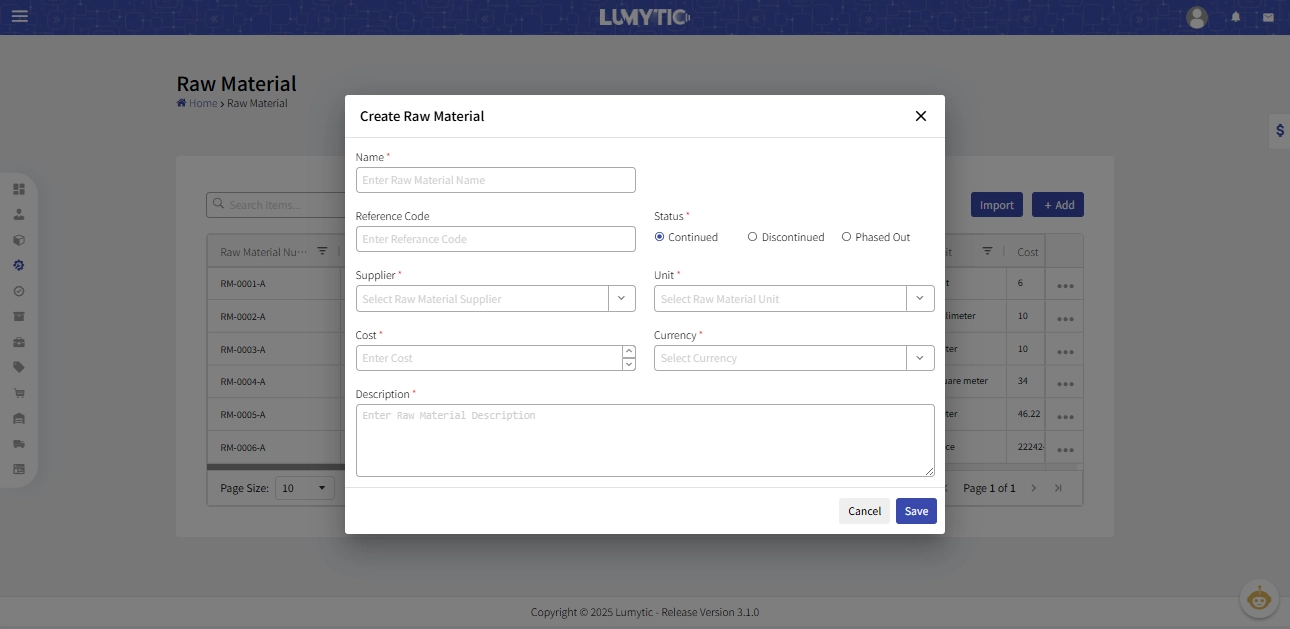
Create raw material
Create a new raw material record to define and manage the basic details of materials used in production. This includes setting the material name, unit of measure, cost, and other attributes required for accurate inventory and manufacturing processes.
- From the row material page, click Add.
- Enter the basic information of raw material such as name, reference Code, description, status, supplier, unit, cost and currency.
- Review all input details, then click Save to create the raw material.
Import Raw Materials
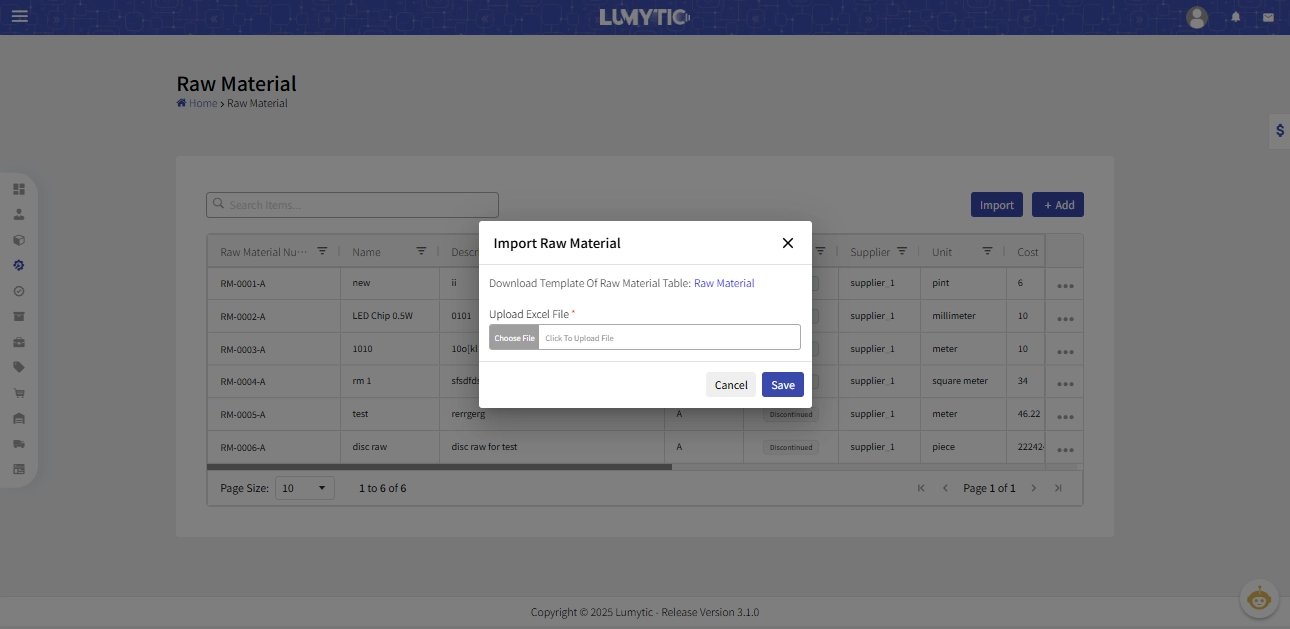
In most manufacturing environments, the number of raw materials can be extensive, making it impractical for users to add each item manually. To simplify this process, the system provides an option to import all raw materials in just a few clicks using an Excel file. This file should contain all the necessary details for each raw material, allowing for faster, more efficient, and error-free data entry.
- From row material page, click Import
- The system provides a specific Excel template; you must download it (link shown as "Raw Material").
- Fill the template with all raw material details such as (name, currency, supplier, unit, cost, etc.).
- Upload the completed file from your computer, then click Save
- The system will validate the data then create the raw materials.