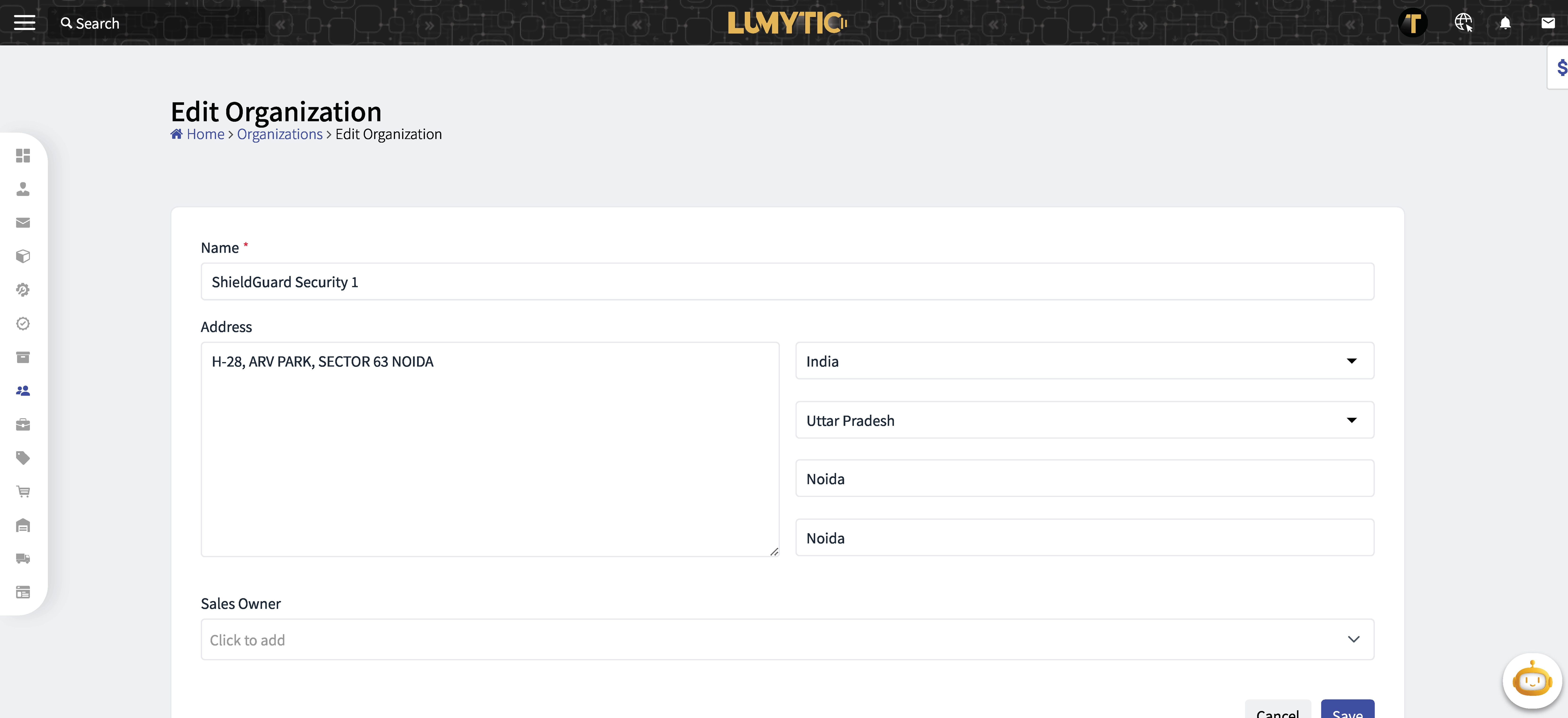
Organization
Organization typically refers to a company, business, or entity with which the CRM user interacts or intends to establish a relationship. Organizations can be commercial enterprise, a non-profit organization, a government agency, or any other entity that deals with customer relationships.
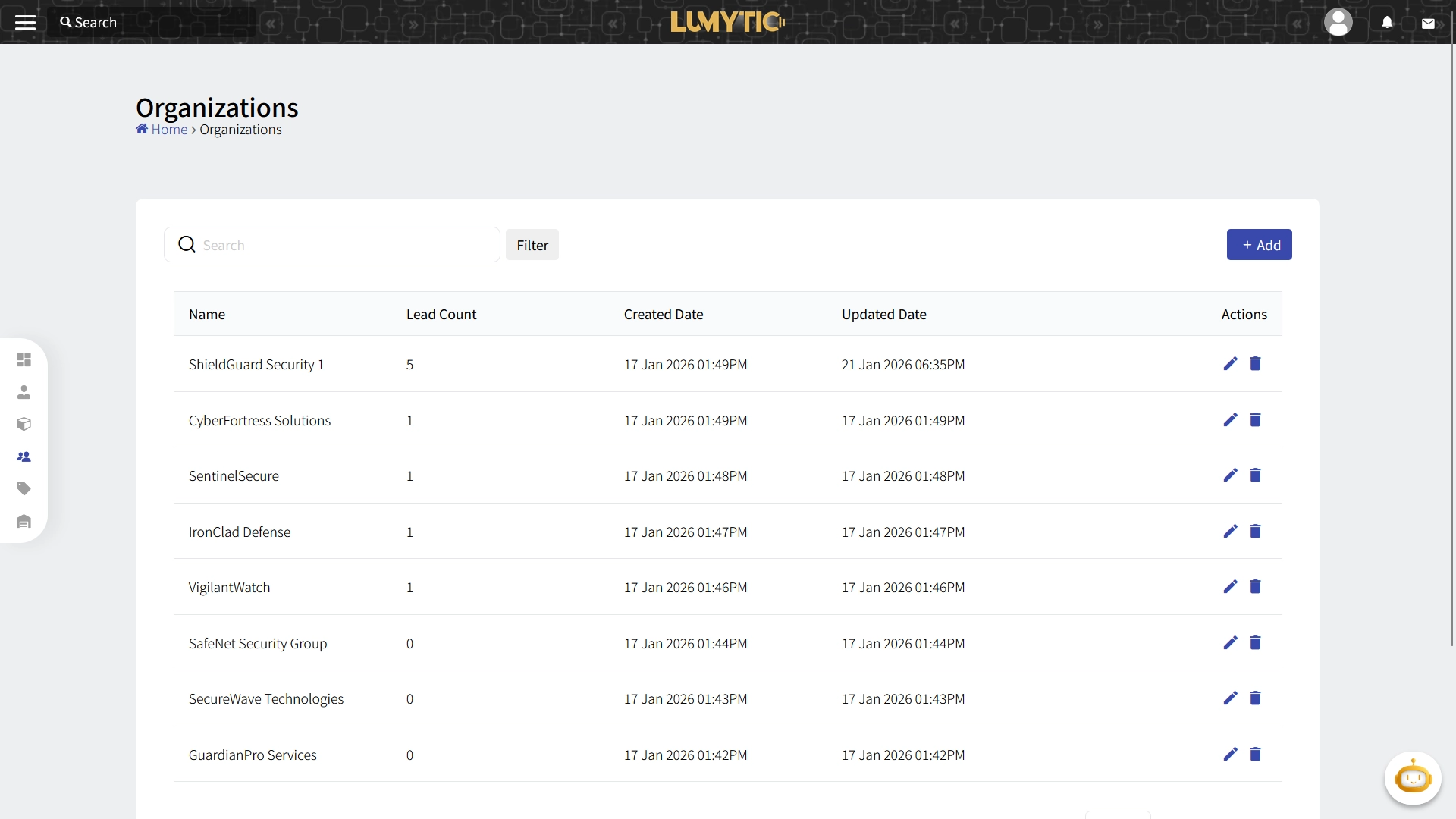
Create Organization
Create a new organization by providing its essential details in the system.
- From the organization page, click add.
- Enter the basic information of Organization: Name, Address Info and Sales Owner.
- Review all input details, then click save.
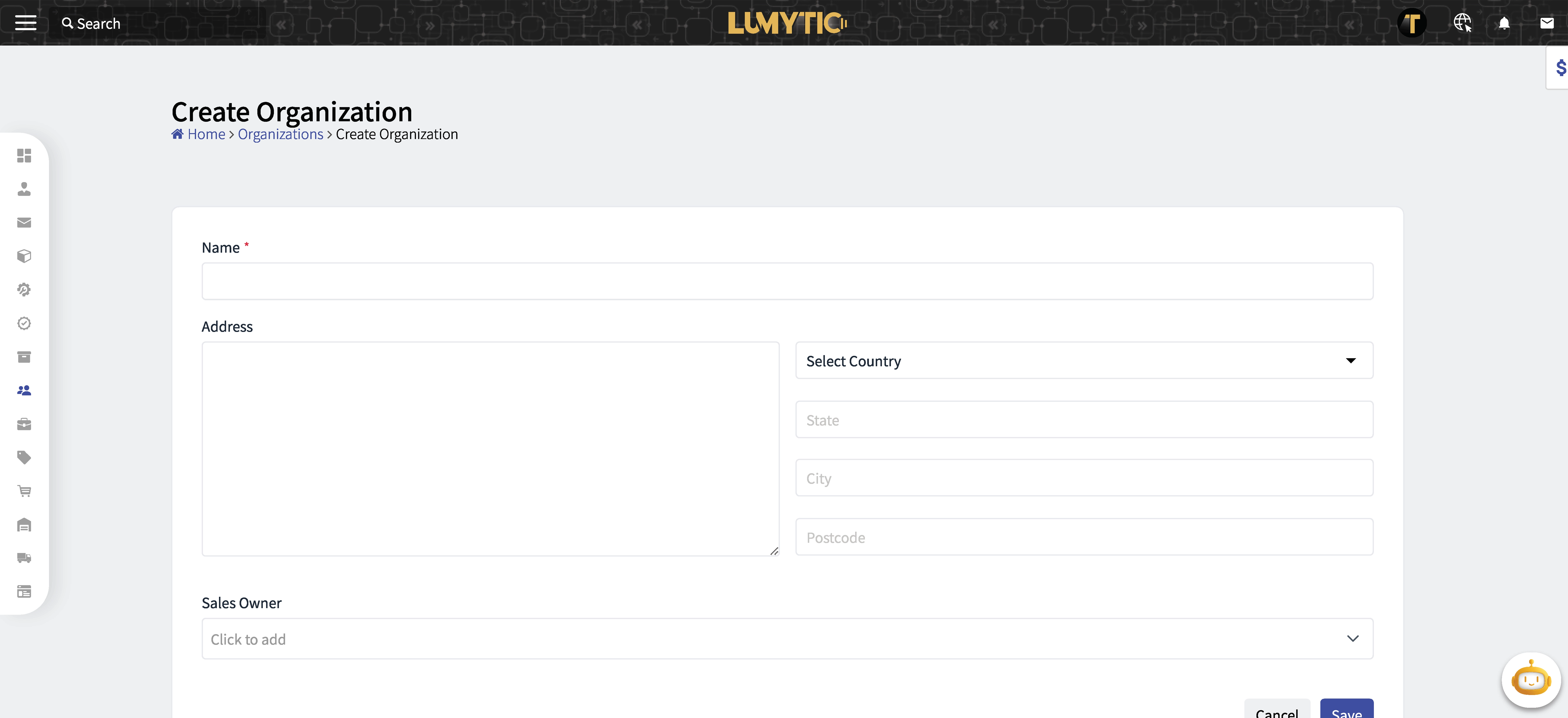
Edit Organization
Update an existing organization by modifying its information in the system.
- From the organization page, click edit.
- Make the necessary updates then click save.