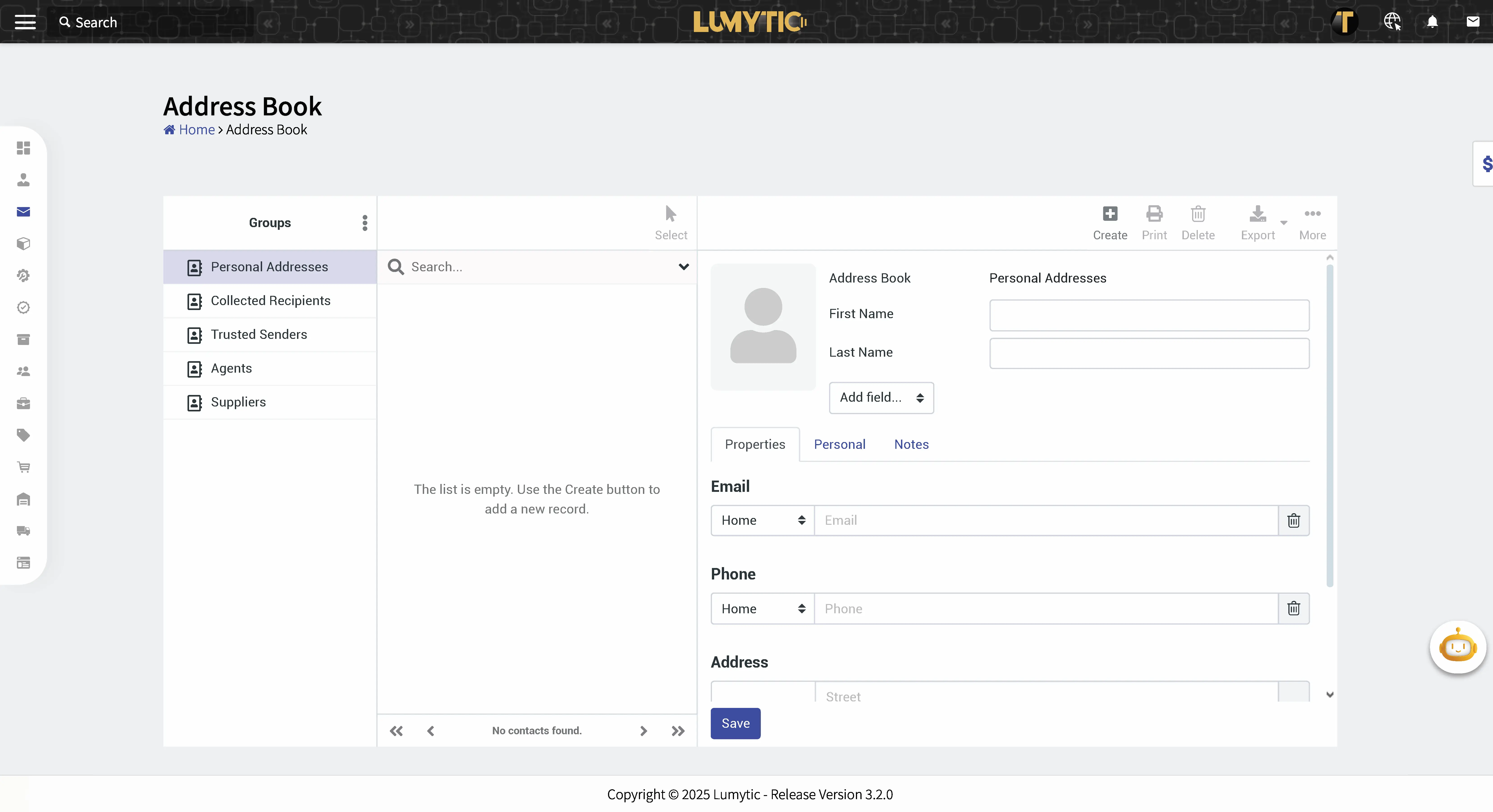
Add Contact to Address Book
The “Add Contact” feature allows users to create and store a new contact in the system for easier communication and management.
- From the Address Book page, click add.
- Enter the contact’s details: First Name, Last Name, Email, Phone, Address.
- Review all input details, then click save.