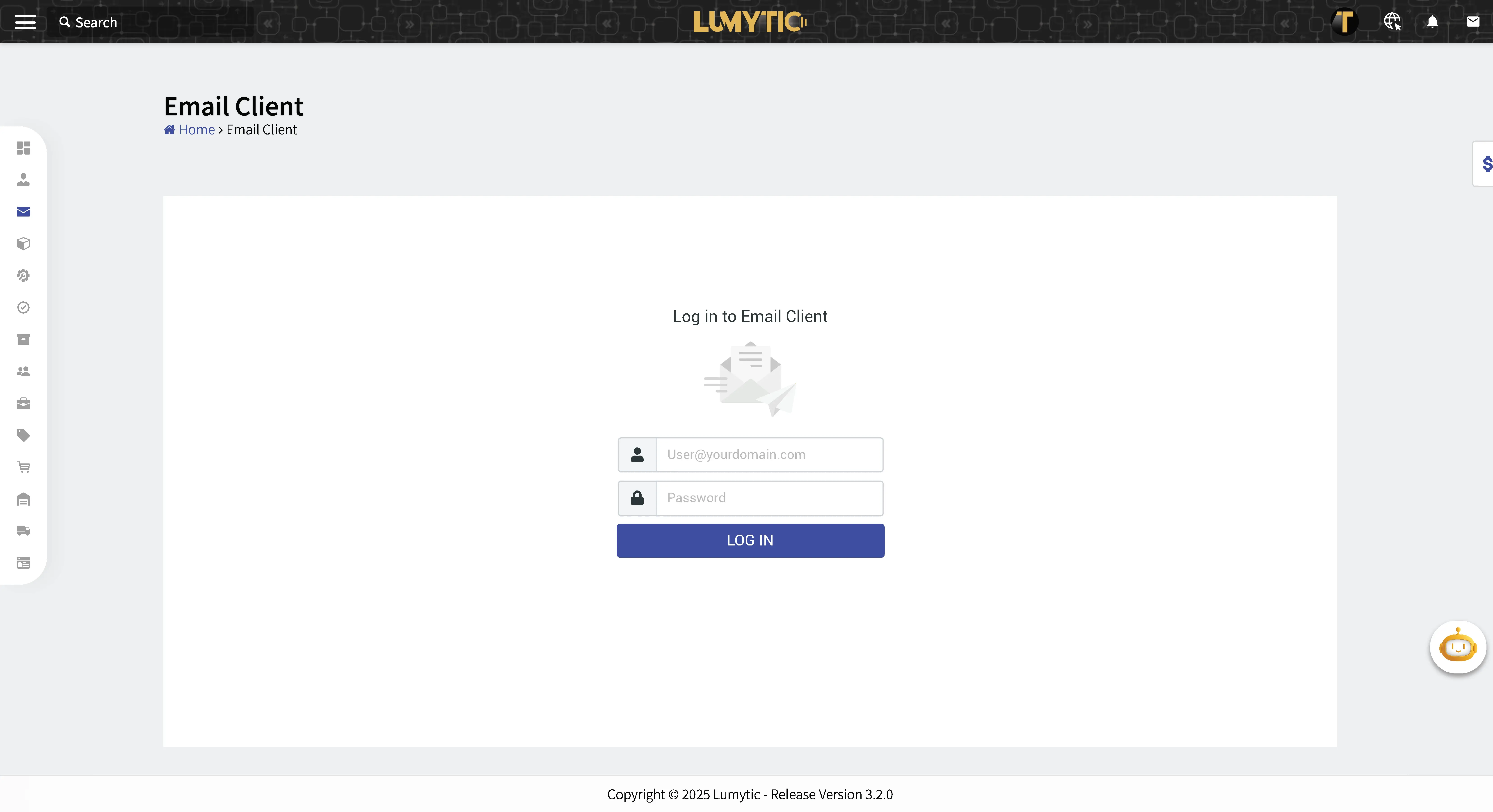
Sign In To Email
The “Sign In” feature allows users to securely access the system using their credentials.
- From the Email Client page, the system will display the sign-in page the first time if the user hasn’t signed in before.
- Enter your credentials email address and password.
- Review all input details, then click log in.
note
If the admin has not configured the settings, the system will display a message notifying the user that the settings are missing and advising them to contact the admin.