Send An Email
The “Send Email” feature allows users to compose and send emails securely from the system.
- From the Email Client page click new mail.
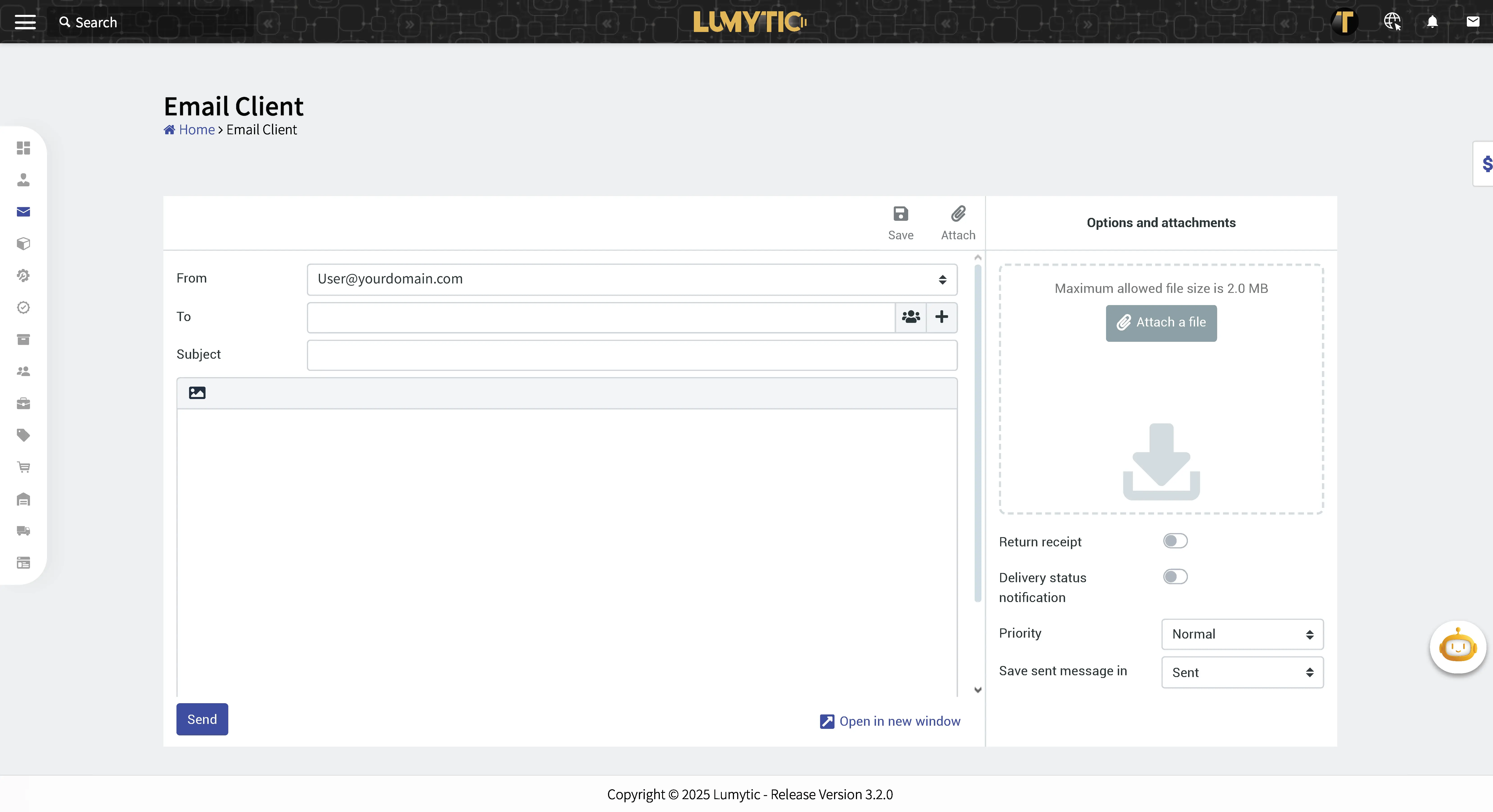
- Enter the email details: From, To, Subject, attach a File, Priority, Save Sent Messages in.
- Review all input details and click send.
note
The user can also send an email from the supplier’s or customer’s details page.