View Email Chat History
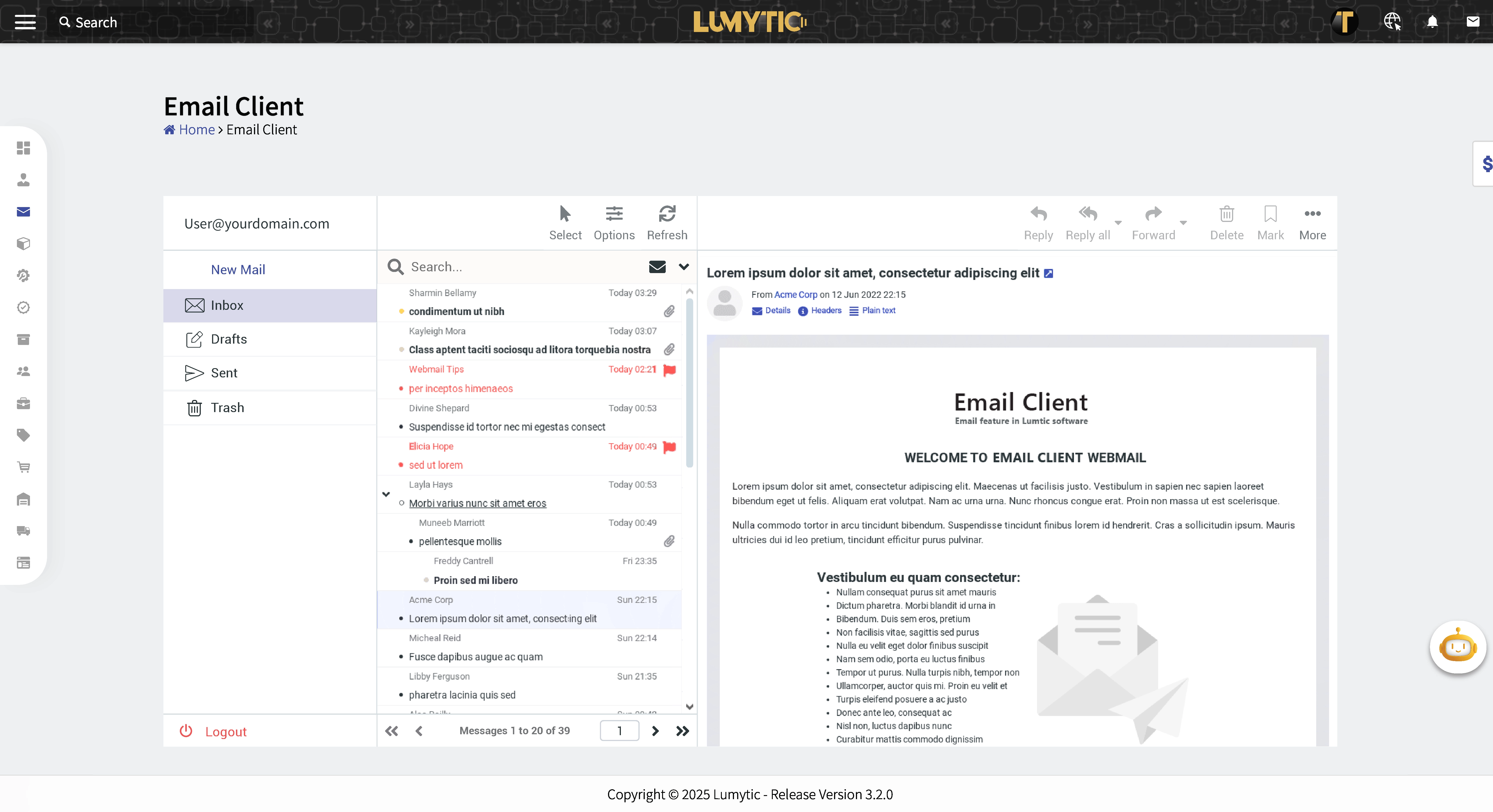
The “View Email and Chat History” feature allows users to quickly access all emails and conversations with a specific customer or supplier stored in the system, providing better context for communication and follow-ups.
- From the Supplier Details page go to contact section then click on the email icon.
- The system will display all emails and chat messages exchanged with that contact.
note
The user can also display the emails for a specific customer from the customer details page.