Setup Email Settings
The “Setup Email Settings” feature allows users to connect their company email accounts to the system, enabling them to send and receive emails directly without needing to configure the SMTP server each time.
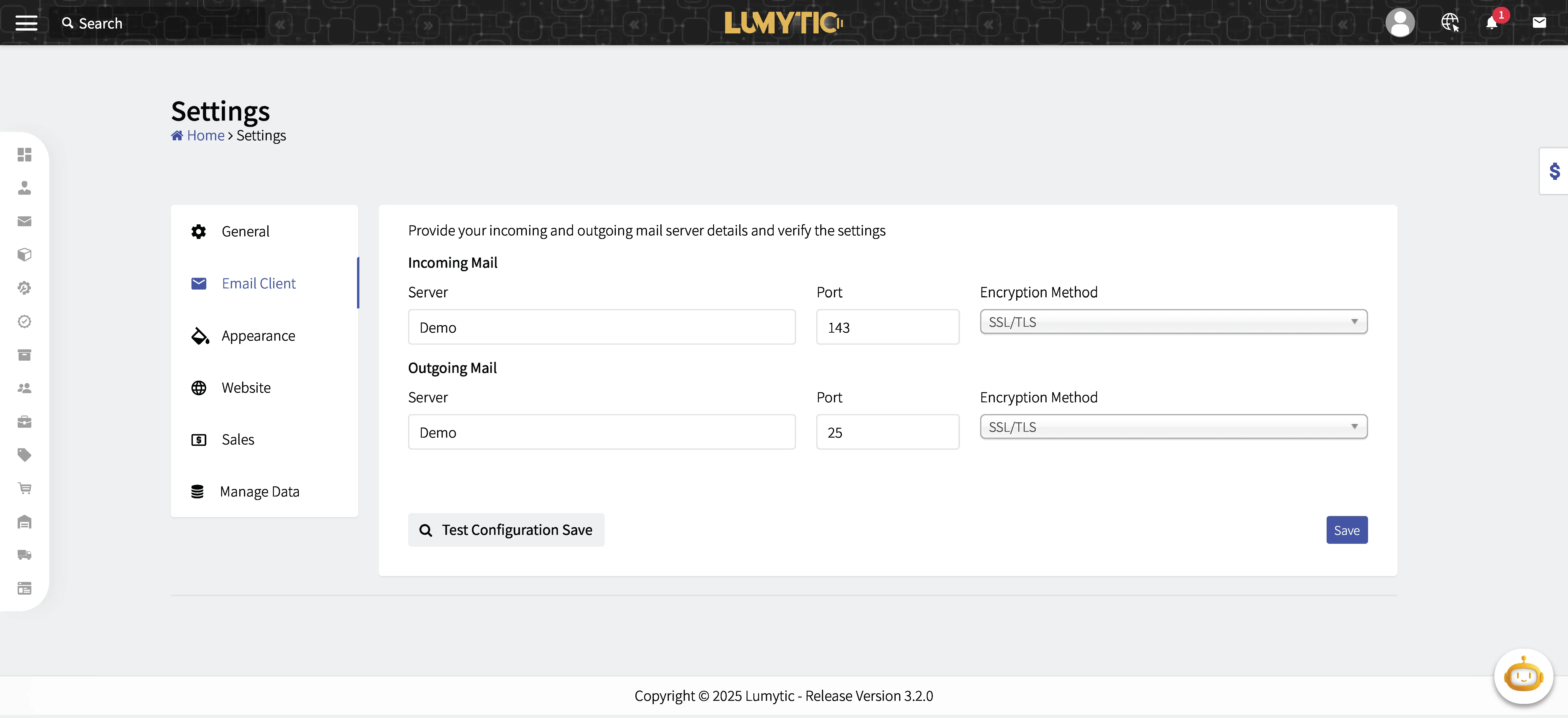
- From the settings page, click Email Client.
- Enter your incoming mail (IMAP/POP) details: server address, port, and encryption method.
- Enter your outgoing mail (SMTP) details: server address, port, and encryption method.
- Click Test Configuration to verify the connection by filling your email address and password.
- Review all input details, then click save.
note
No email account can log in without configuring the settings first.