Product Develop Request
Efficiently develop a range of lighting products with one feature for tracking, collaboration, and comparison to improve your team collaboration and track the development cycle.
Create develop request
Initiate a product development request to propose new lighting products or enhancements.
This feature supports innovation by enabling structured collaboration, tracking, and evaluation throughout the development cycle.
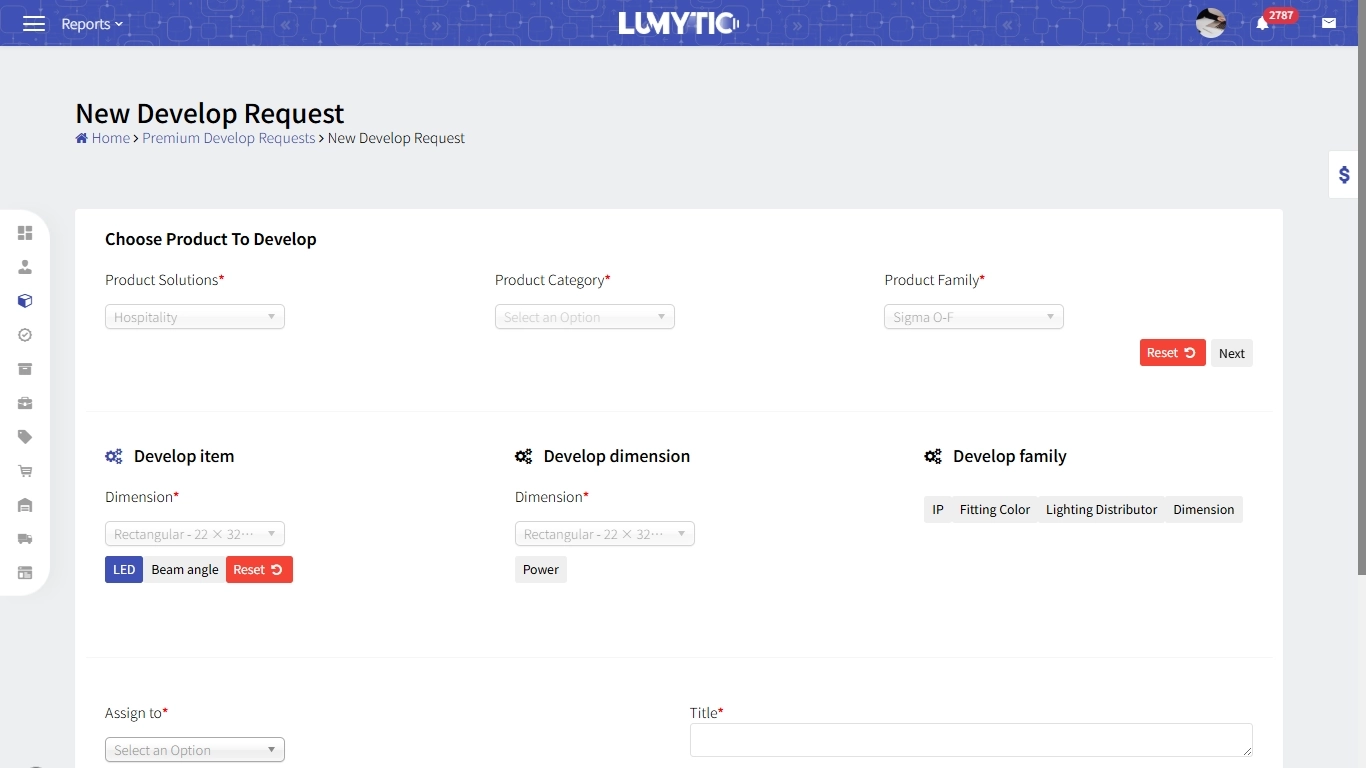
- From Product family details, go to the Develop Request section click add, or from Develop Request page click add request
- Select product solutions and product category and product family then click next
- Choose whether the development applies items, dimensions, or the entire family.
- Select the attribute you want to develop.
- Choose assign and priority from dropdown list then, enter title, then click save
Create develop response
The response to a development request is applied by the system to create or update a product based on the specified requirements, such as adding a new power option or introducing a new fitting color.
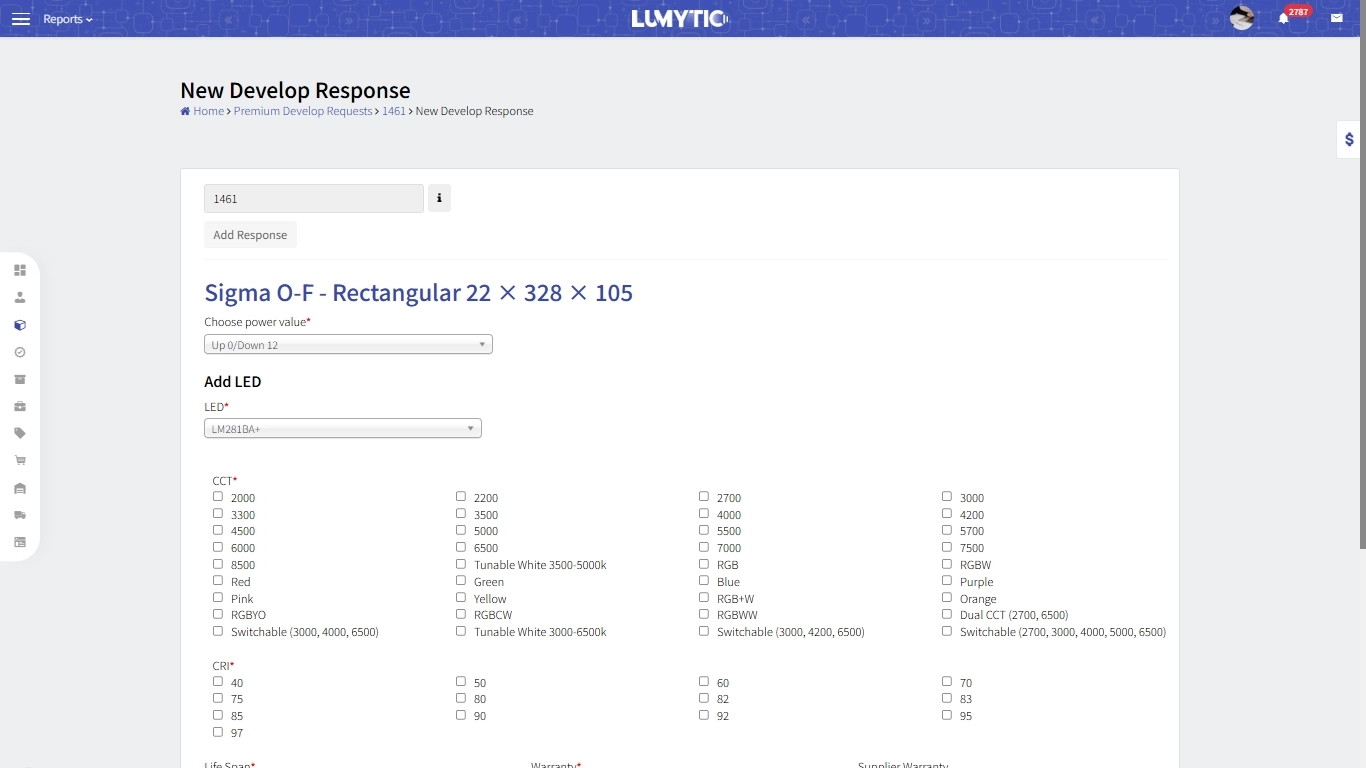
- From Develop Request Details page click Add Response
- Make the develop according to the requests then click save